Unified Chat
Manage LINE OA, Facebook and Instagram chats in one inbox with BY U. Assign cases, follow up with customers and use CRM tools alongside your conversations.
When customers message your business on LINE OA, Facebook and Instagram at the same time, your team has to switch between screens. It can be hard to see who has already picked up each conversation.
Unified Chat on BY U brings messages from connected channels into one system, where your team can claim cases, assign owners and review stored conversation history.
Multiple team members can work in the platform. User numbers, channels and access permissions depend on your plan.
01 / The challenge
Several channels and team members but no clear case ownership
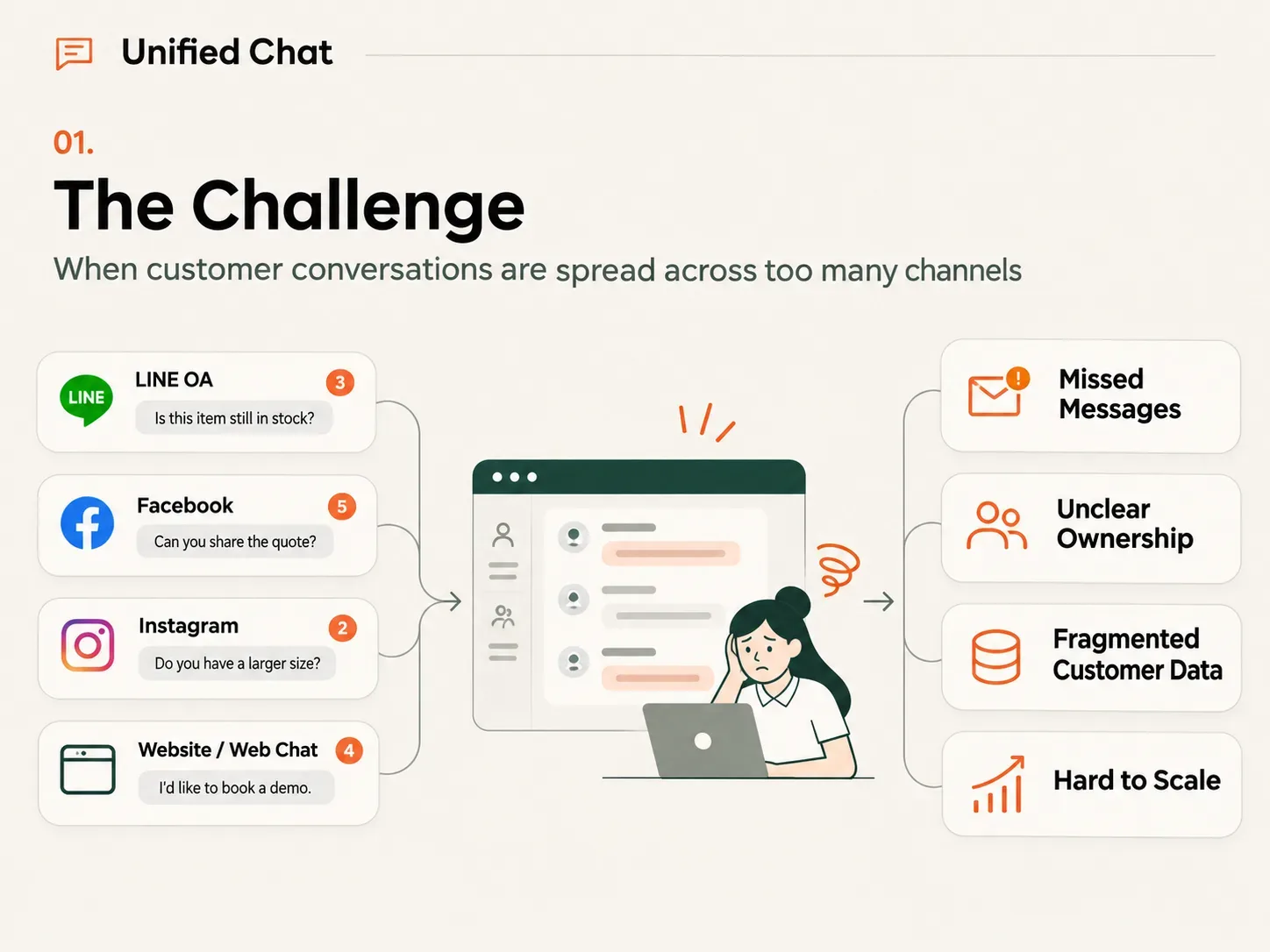
During a promotion, enquiries can arrive across several channels at once. Without a clear way to assign work and check progress, teams can run into these problems.
- 01
Messages get missed and customers wait
New messages can be overlooked when staff are working across several platforms, especially during a campaign.
- 02
Two people answer the same customer
Without a clear case owner, several team members may respond to one customer while another enquiry goes unanswered.
- 03
Context gets lost during handovers
If contact history is not recorded consistently, a new team member may have to ask the customer to repeat information.
- 04
Managers lack a clear view
Managers may struggle to see whether enquiries are being handled or where the process needs to change.
02 / How BY U Unified Chat helps
Bring connected conversations together so your team can take ownership
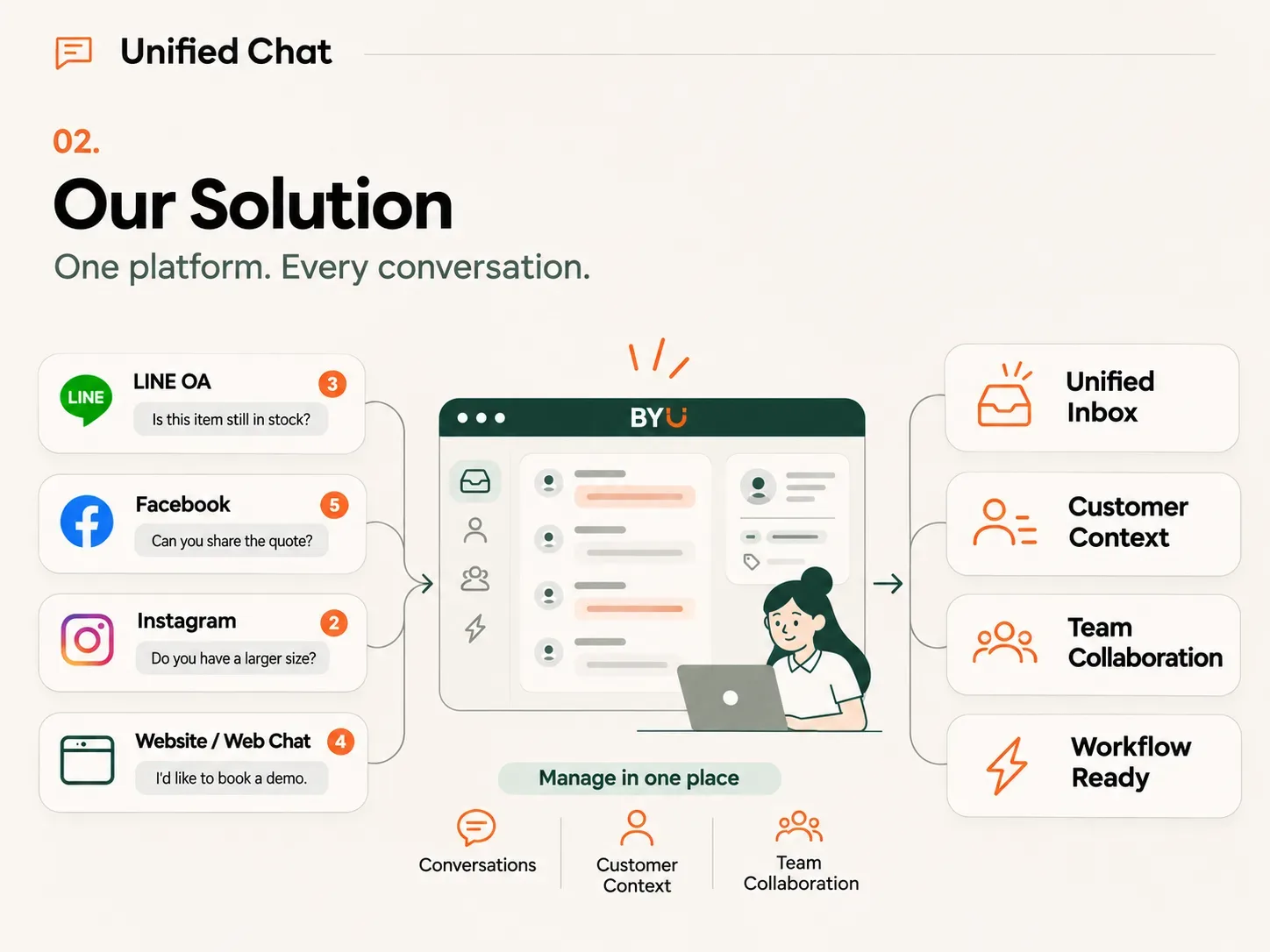
Isobar Lab helps businesses set up Unified Chat on BY U to receive and reply to messages from LINE Official Account, Facebook Messenger, Instagram and Web Chat through one screen.
For example, a customer asks about a car’s price on Facebook. A team member claims the case, records the customer’s interest and assigns someone to follow up using the stored conversation history.
CRM, Customer Tags, Segmentation and Workflow can support the chat process, subject to the permissions and capabilities available in your setup.
03 / Key features
Claim cases and check customer context before replying
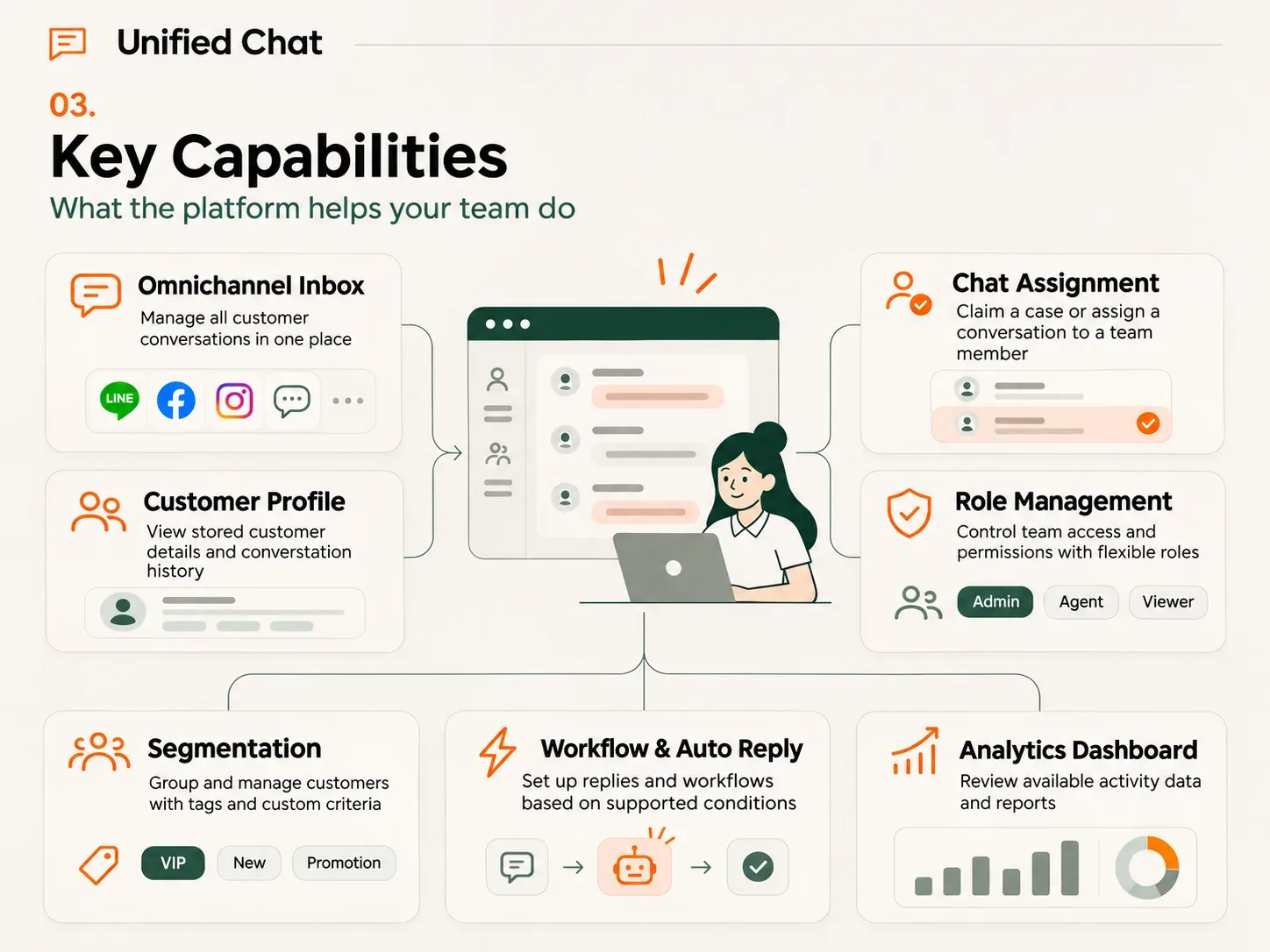
- 01
Unified Inbox
Receive and reply to messages from connected LINE OA, Facebook Messenger, Instagram and Web Chat accounts without switching between several screens.
- 02
Chat Assignment
Claim a case or assign a conversation to a team member, then track its status.
- 03
Customer Profile
Review recorded customer details and conversation history to understand the enquiry before replying.
- 04
Team and Role Management
Manage access for administrators and other team members according to their roles and responsibilities.
- 05
Customer Tags and Segmentation
Record interests and group customers using available information, such as an interest in finance or a particular promotion.
- 06
Workflow and Auto Reply
Configure replies and workflows using supported conditions, including handoff to a team member.
- 07
Analytics Dashboard
Review the activity data and reports available in the system to assess and improve the way your team works.
04 / How it works
From the first message to follow-up in five steps
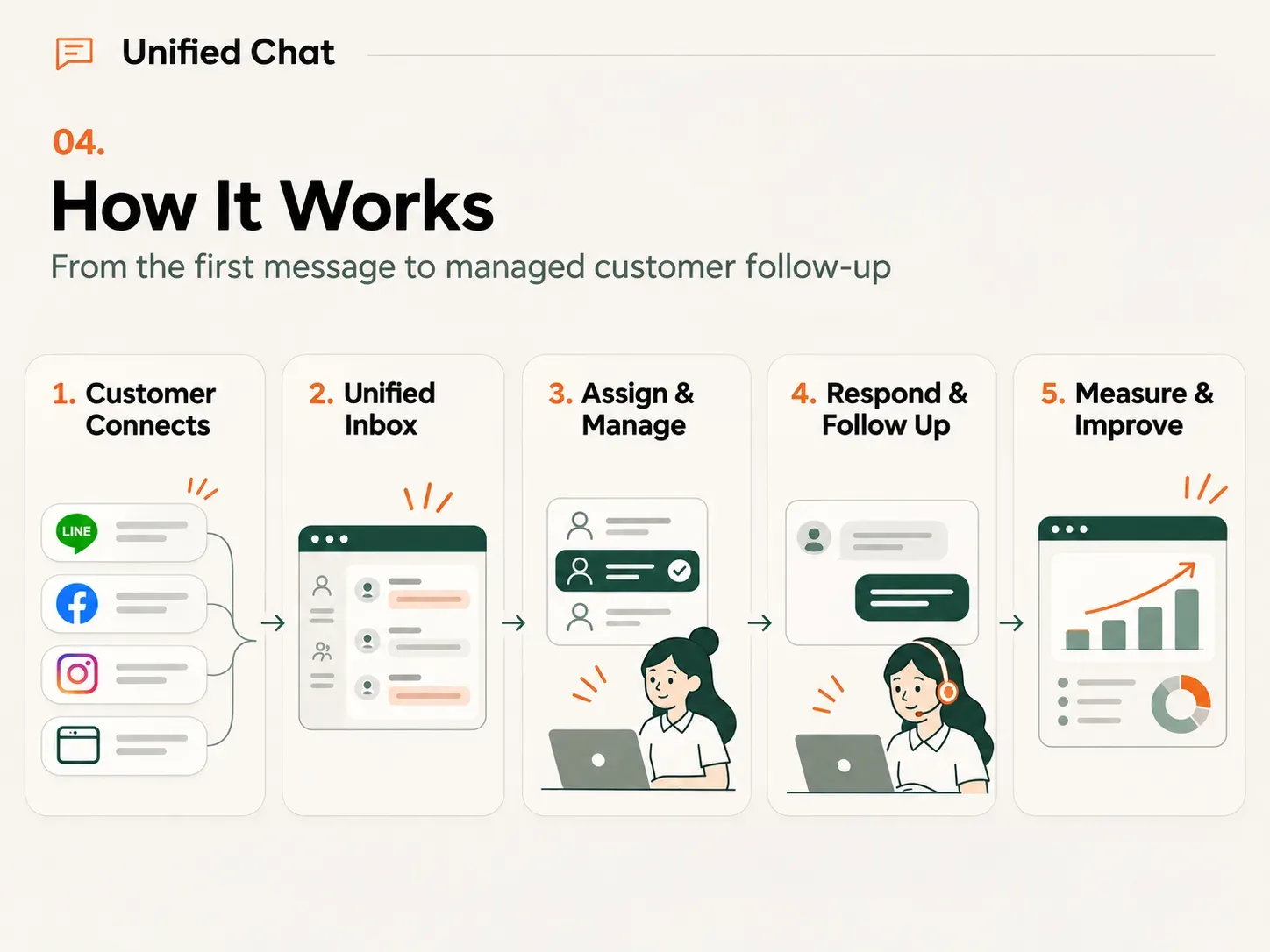
- 01
Customer connects
A customer sends a message through LINE OA, Facebook, Instagram or Web Chat.
- 02
Unified inbox
Messages from connected channels appear in BY U.
- 03
Assign and manage
A team member claims the case or assigns an owner and reviews the available context.
- 04
Respond and follow up
The team answers questions, shares information and adds tags to support follow-up under the configured rules.
- 05
Measure and improve
Managers review operational data and refine the service process.
05 / Business benefits
See who owns each case and keep follow-up moving
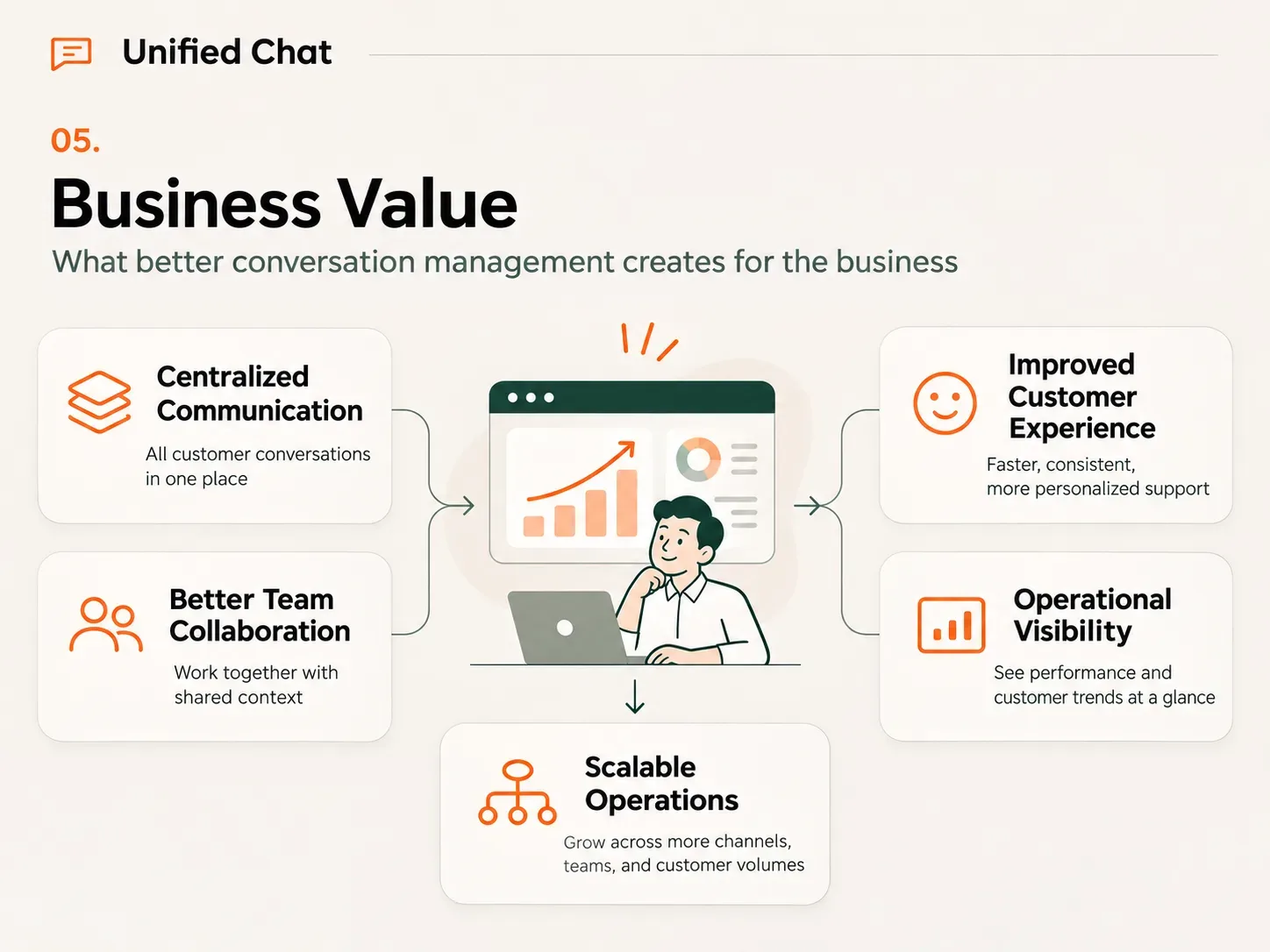
- 01
Reduce the risk of missed messages
Bring messages from connected channels onto one screen so the team can review and pick up enquiries more easily.
- 02
Make responsibility clear
Assign an owner to each case so the team knows who should take the next step.
- 03
Avoid asking the same questions again
The person taking over can read the stored history before replying, reducing the need for customers to repeat themselves.
- 04
Identify enquiries that need follow-up
Use tags and conversation details to decide which customers to contact next.
- 05
Support several teams and channels
Extend usage within the scope and quotas of your plan.
Assess results after implementation using measures such as response time, cases handled and enquiry-to-customer conversion. Choose metrics based on the data and tracking systems available.
06 / Powered by BY U
Cloud access without installing the platform on your servers
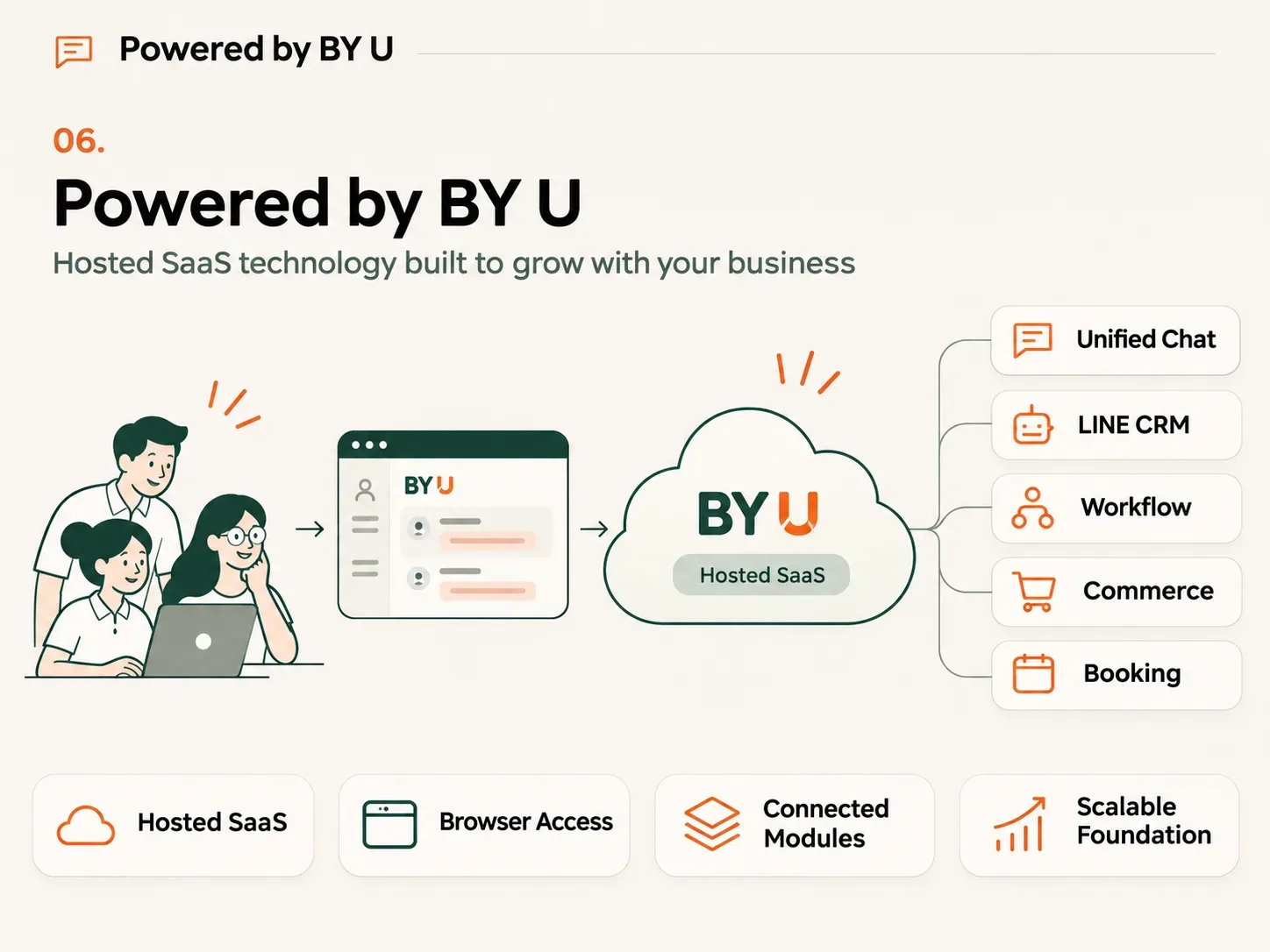
BY U is a Software as a Service (SaaS) platform accessed through a web browser. The provider manages the cloud infrastructure, so the standard service does not require installation on your organisation’s servers.
Isobar Lab supports onboarding, communication channel setup and technical assistance within the agreed service scope.
You can use LINE CRM, Segmentation, Broadcast, Rich Menu, Flex Message, Imagemap, Workflow, Commerce, Booking and Analytics together, subject to your plan and the supported scope.
07 / Related solutions
Build on your unified inbox
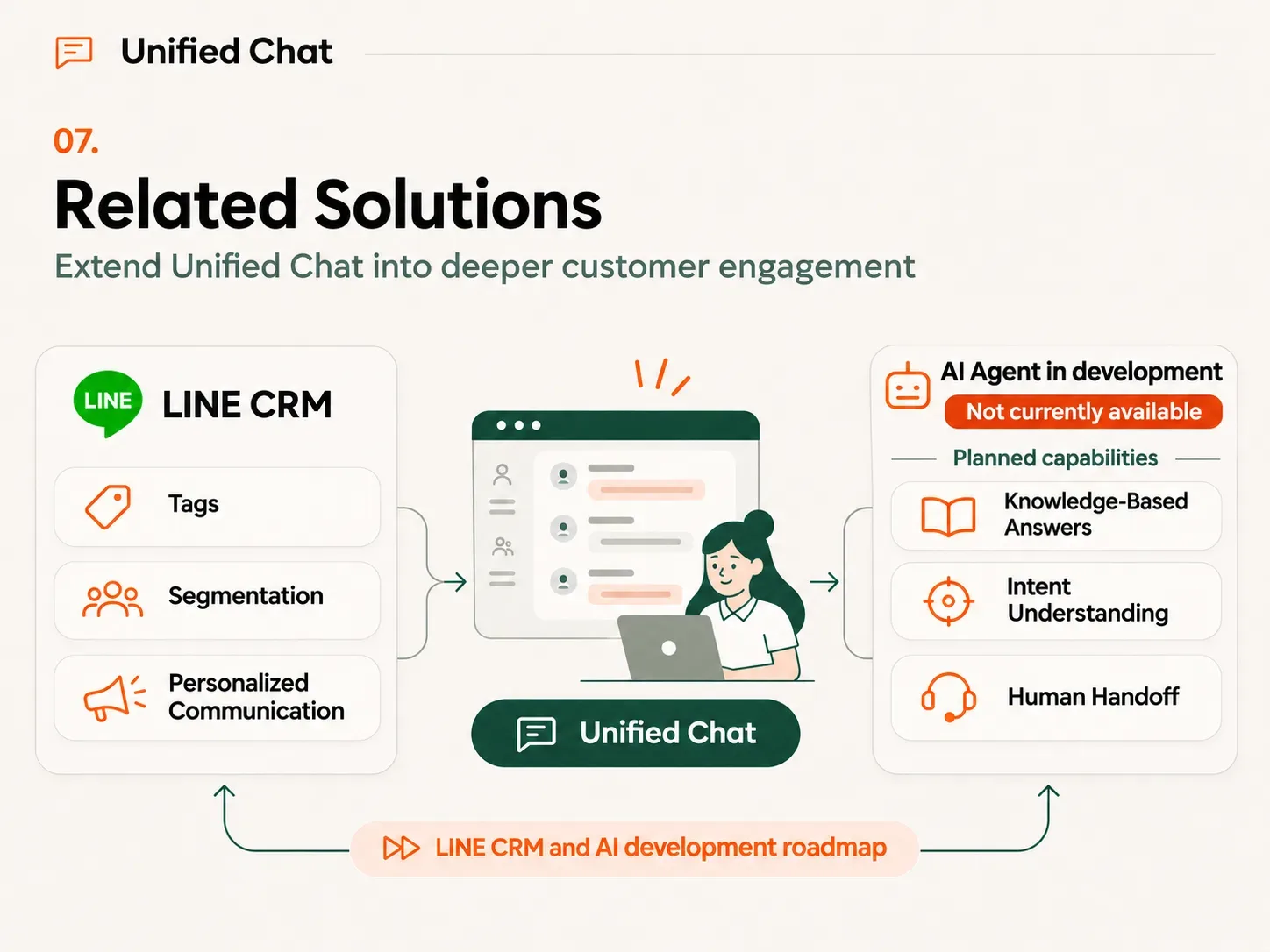
- 01
LINE CRM
Use information from conversations in customer profiles, tags and segments to support targeted communication through LINE OA.
- 02
AI Agent (in development)
AI Agent is in development and is not currently available on the platform. Planned capabilities include answers based on a Knowledge Base, understanding customer intent and handoff to a team member.
08 / Frequently asked questions
About BY U Unified Chat
What is Unified Chat?
Unified Chat brings messages from connected channels, such as LINE OA, Facebook Messenger, Instagram and Web Chat, into one screen for receiving and replying. It also provides tools for assigning cases and viewing customer information.
Can I use LINE OA and Facebook together?
Yes. BY U supports connecting these channels, subject to each platform’s API requirements and permissions.
Can several team members reply through the same LINE OA?
Yes. BY U supports multiple users, case assignment and role-based access. The number of users depends on your plan.
How is Unified Chat different from LINE CRM?
Unified Chat focuses on managing conversations across channels. LINE CRM focuses on customer information, segmentation and communication through LINE OA. They can work together.
Do I need to install BY U on company servers?
No. BY U is a hosted SaaS platform accessed through a web browser. The provider manages the cloud infrastructure within the scope of your agreement.
Can the system answer customers using AI?
BY U currently offers workflows and rule-based automated replies. AI Agent is in development and is not currently available on the platform.
Which businesses can use Unified Chat?
It suits businesses with several communication channels and team members handling enquiries, including automotive, finance, clinics, retail and organisations with sales or customer service teams.
09 / Get started
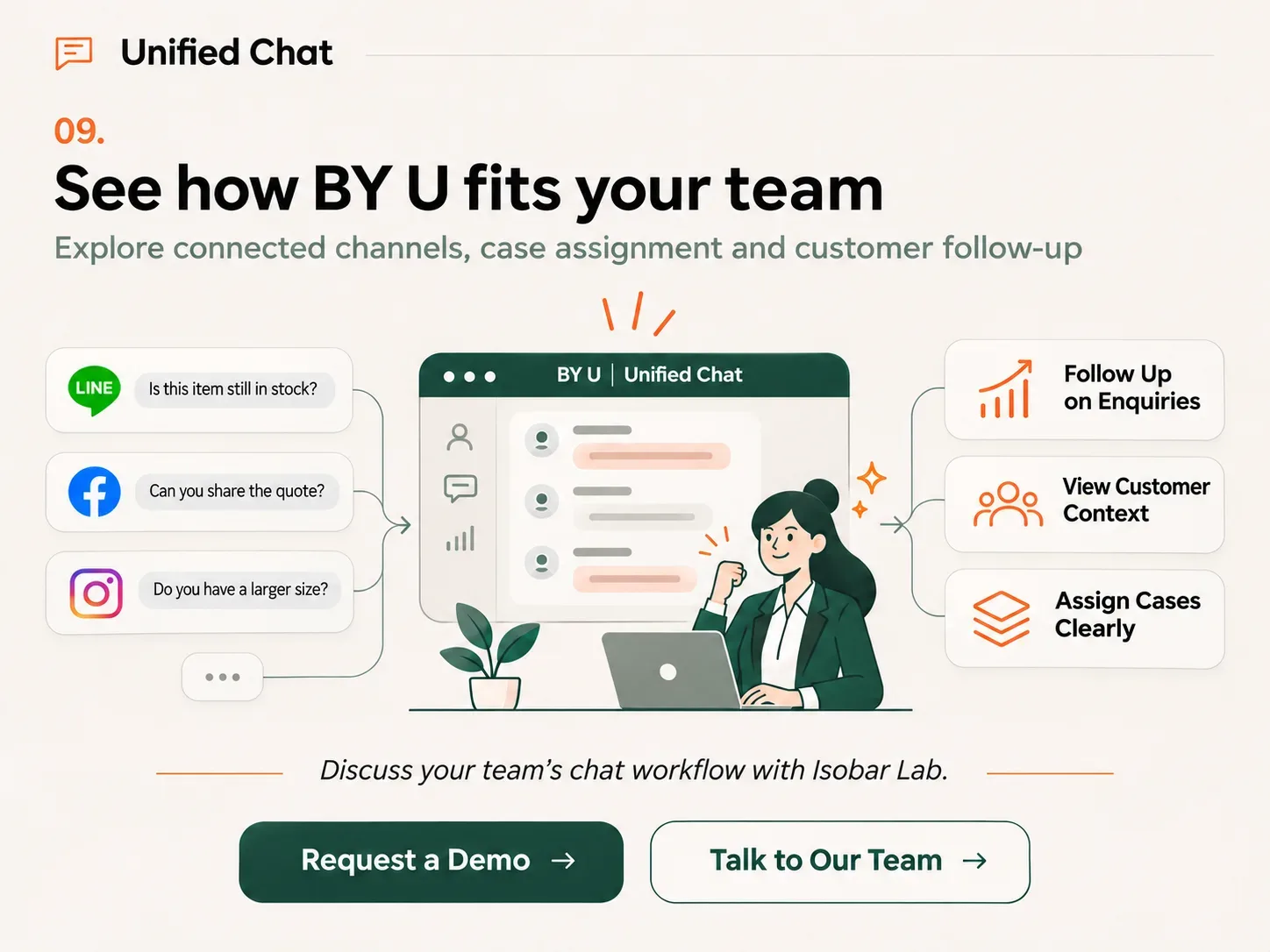
See how BY U fits your team’s chat workflow